

How to Create a Simple Habit Tracker in Google Sheets (FREE template included)
Building new habits and breaking old ones can be a challenging journey. A habit tracker can be a valuable tool to help you stay motivated and accountable. In this guide, we'll walk you through the steps to create a customizable habit tracker in Google Sheets.
Step-by-Step Guide
Set Up Your Sheet:
Open a new Google Sheet.
Create a header row with column labels such as "Habit," "Date," "Month," etc.
Insert a “Dropdown” in the "Month" column with a list of 12 Months.
For Date using “ =TODAY() ”
Add Your Habits:
List the habits you want to track in the header row.
Consider using clear and concise names for your habits.
Insert Checkboxes:
Select the cells where you want to track your habits.
Go to the "Data" menu, choose "Insert," and select "Checkbox" from the criteria.
Track Your Progress:
Set your habit goals for the week.
Check the boxes on days when you successfully complete a habit.
Calculate Completion Rates:
Use the COUNTIF function to calculate the number of completed habits for each habit.
For the number of incompleted habits let's subtract the total completed tasks from the total goals
Create Visualizations:
Use charts and graphs to visualize your progress over time.
Consider using pie charts to represent your data.
Customize and Enhance:
Add conditional formatting to highlight streaks or goals.
Include additional columns for notes or observations.
Experiment with different layout and formatting options to create a visually appealing tracker.
Tips for Success
Start small: Begin with a few habits and gradually add more as you build momentum.
Be consistent: Track your habits daily to maintain motivation.
Celebrate milestones: Reward yourself for achieving your goals.
Review and adjust: Regularly assess your habits and make necessary changes.
Conclusion
Creating a habit tracker in Google Sheets is a simple yet effective way to improve your lifestyle. By following these steps and customizing the tracker to your needs, you can increase your chances of success in building new habits and achieving your goals.
Additional Tips:
Use conditional formatting to visually highlight streaks or goal achievements.
Consider adding a "mood tracker" column to correlate your habits with your emotional state.
Experiment with different chart types to find the best way to visualize your data.
Share your habit tracker with a friend or accountability partner for extra motivation.
By incorporating these suggestions, you can create a powerful habit tracker that supports your personal growth and well-being.
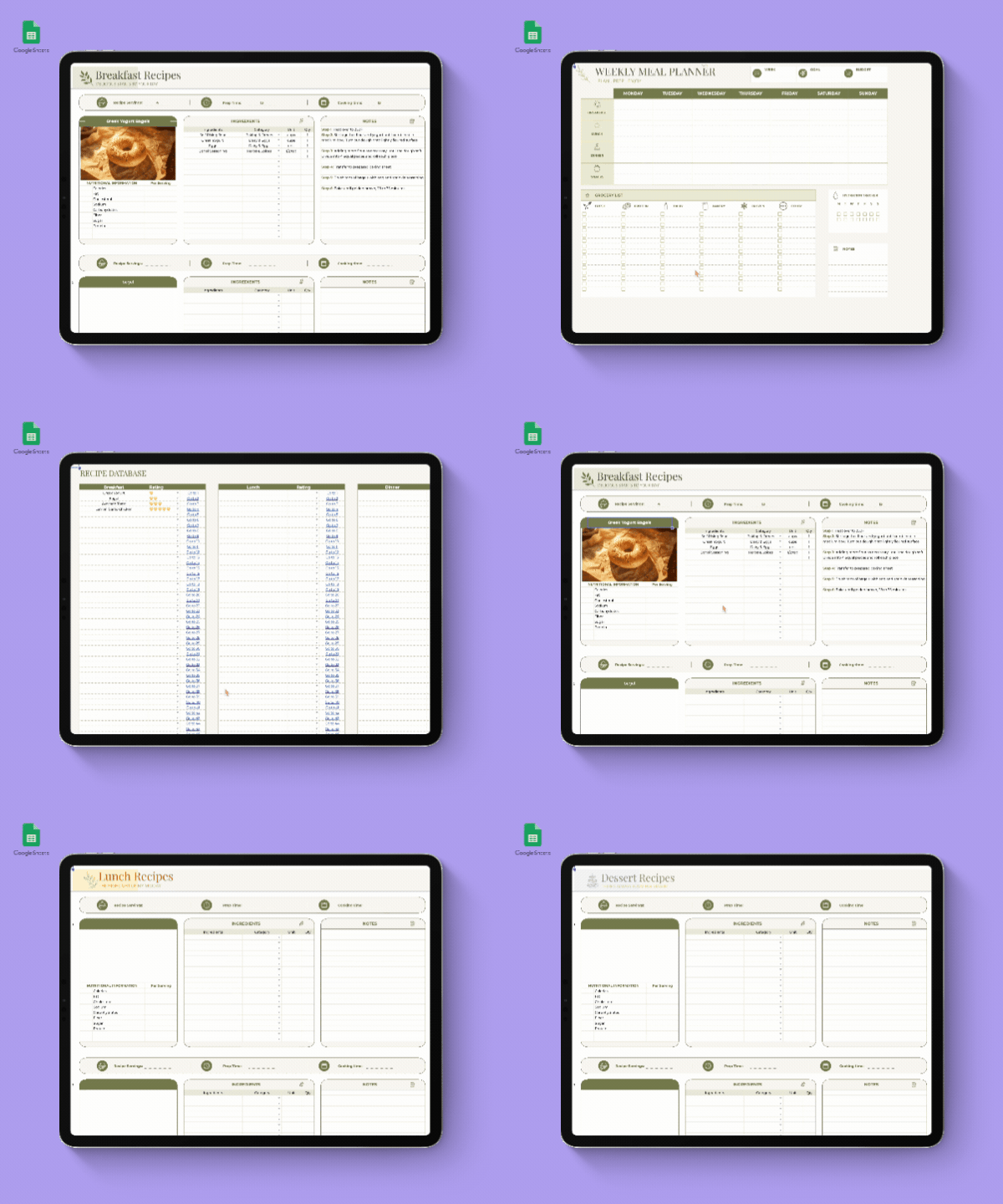
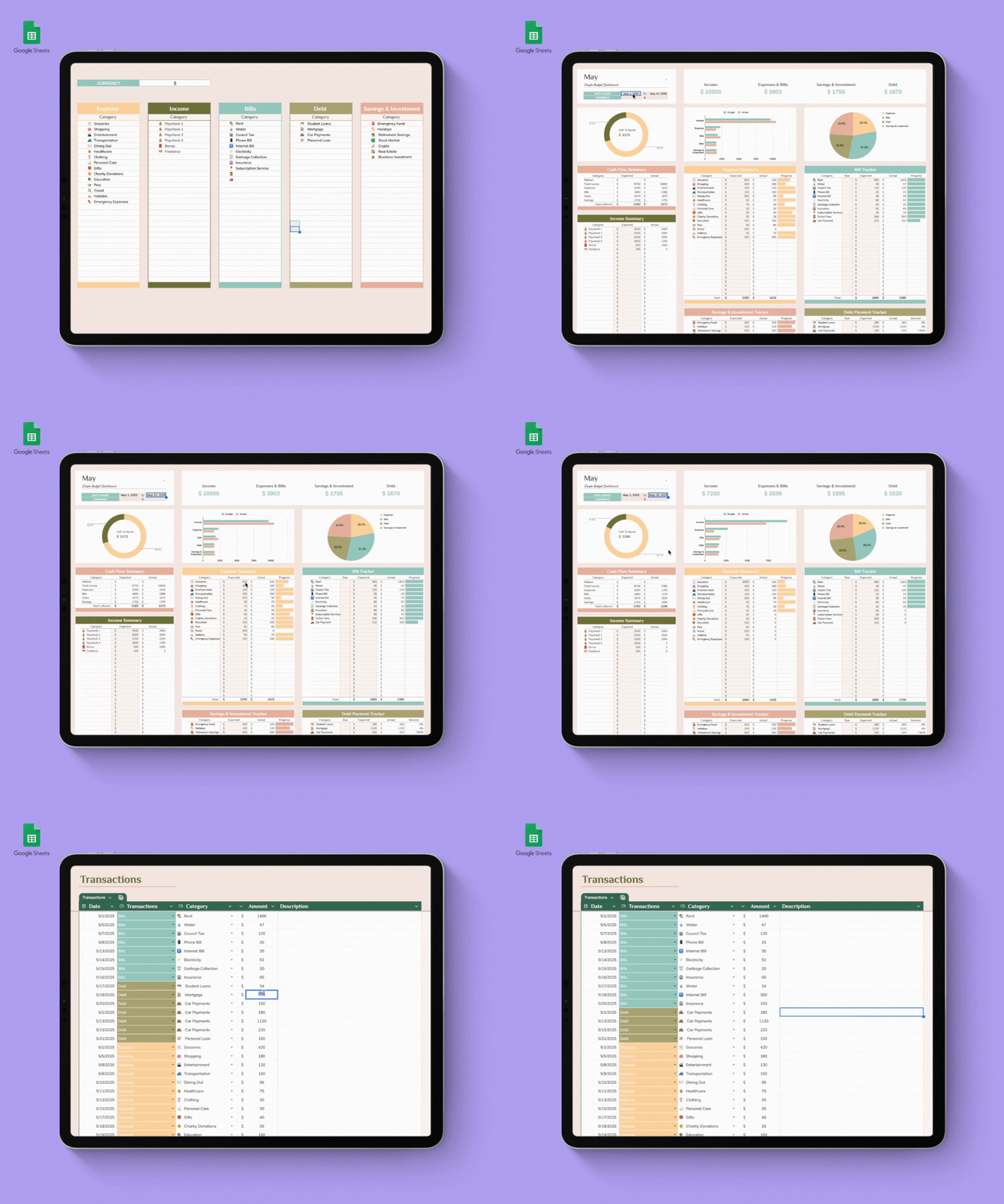

Take control of your finances with the Kakeibo Budget Planner, a beautifully designed Google Sheets template inspired by the traditional Japanese budgeting method. Instead of simply tracking expenses, Kakeibo helps you become more mindful of how you spend your money and build healthier financial habits.
Whether you're saving for an emergency fund, a vacation, or simply trying to spend less, this template makes budgeting simple and easy to follow.
💰 Organize Your Expenses with the Kakeibo Method
Every expense is categorized into one of four simple groups:
🏠 Survival — Rent, groceries, utilities, transportation, bills
🛍️ Optional — Shopping, dining out, coffee, entertainment
📚 Culture — Books, courses, hobbies, fitness, self-improvement
🎁 Extra — Gifts, emergencies, repairs, unexpected expenses
This simple system helps you understand where your money is going every month.
📊 Features
Automatically calculates income and expenses
Track your monthly savings goals
Budget vs. Actual comparison
Record unlimited transactions
Easy-to-read dashboard
Beautiful minimalist design
Fully customizable categories
Works in any modern web browser with Google Sheets
No software installation required
🌱 Why Kakeibo?
Kakeibo isn't about restricting your spending—it's about spending with intention. By planning your budget, tracking your daily expenses, and reflecting on your habits each month, you'll develop a healthier relationship with money and make smarter financial decisions over time.