

How to Create an Easy and Effective To-Do List in Google Sheets (FREE template included)
In today's busy world, staying organized is essential. Whether you're managing work tasks, school assignments, or personal projects, it can be hard to keep track of everything. This is where a to-do list can help.
A good to-do list helps you manage tasks, reduce stress, and increase productivity. By listing your tasks, setting priorities, and tracking your progress, you can stay on top of your responsibilities and reach your goals.
In this video post, you will learn how to create an effective to-do list using Google Sheets. Google Sheets is a powerful, free tool that offers great flexibility and collaboration features. By the end of this tutorial, you'll be able to set up a customized to-do list that suits your needs, helping you stay organized and productive.
Here's a quick overview of what we'll cover:
Getting Started: How to open a new Google Sheet and set up the basic structure.
Setting Up Your Columns: Creating essential columns like Today Tasks, Weekly, Monthly and Miscallenous.
Adding Tasks: How to manage tasks and completed tasks.
Adding Checkboxes: Inserting checkboxes to track task completion.
Formulas for Task Progress: Setting up formulas to count completed tasks and calculate progress.
Creating a Progress Bar Chart: Visualizing your progress with a Gauge chart.
Let's dive in and start organizing your tasks effectively with Google Sheets!
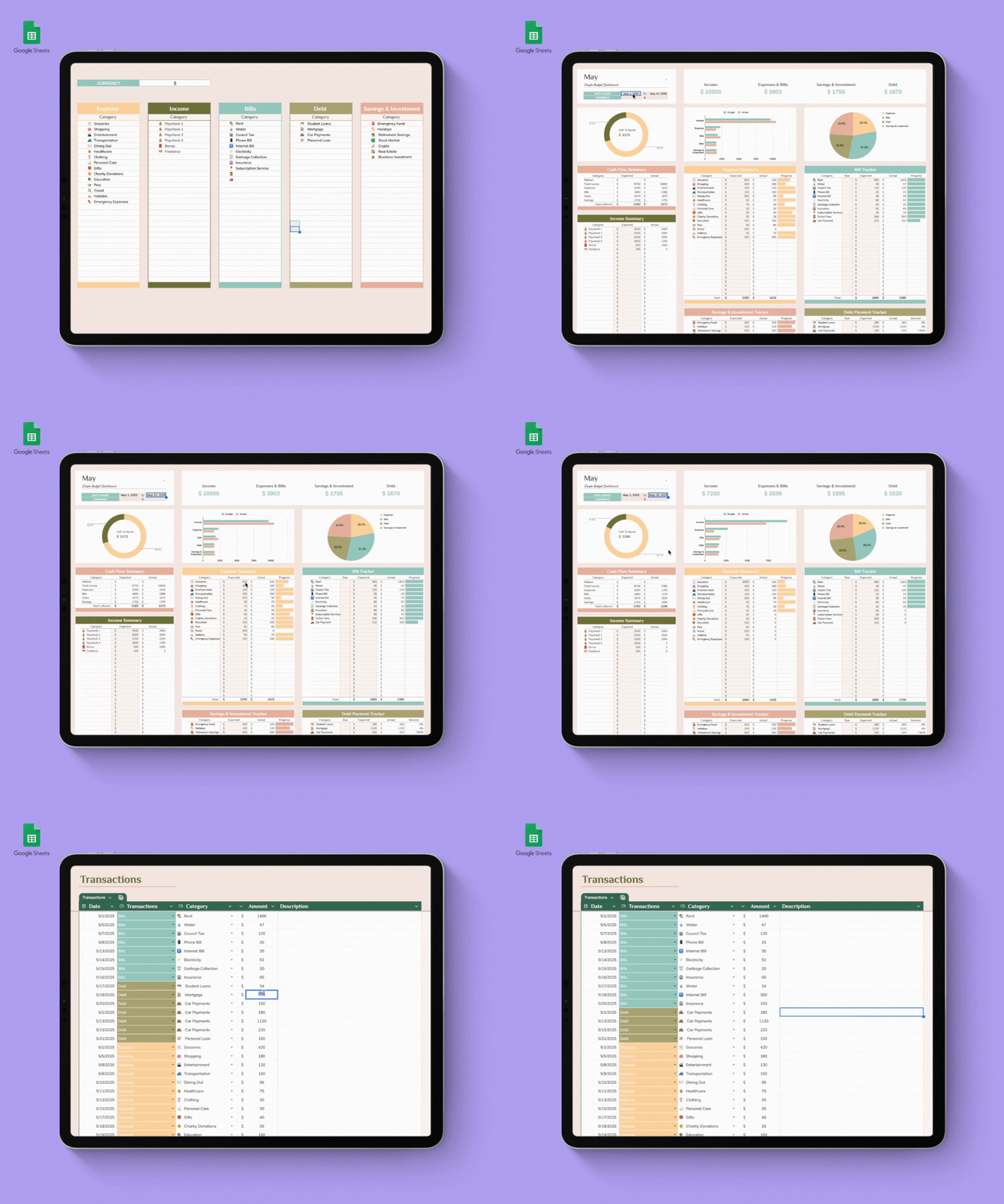

Take control of your finances with the Kakeibo Budget Planner, a beautifully designed Google Sheets template inspired by the traditional Japanese budgeting method. Instead of simply tracking expenses, Kakeibo helps you become more mindful of how you spend your money and build healthier financial habits.
Whether you're saving for an emergency fund, a vacation, or simply trying to spend less, this template makes budgeting simple and easy to follow.
💰 Organize Your Expenses with the Kakeibo Method
Every expense is categorized into one of four simple groups:
🏠 Survival — Rent, groceries, utilities, transportation, bills
🛍️ Optional — Shopping, dining out, coffee, entertainment
📚 Culture — Books, courses, hobbies, fitness, self-improvement
🎁 Extra — Gifts, emergencies, repairs, unexpected expenses
This simple system helps you understand where your money is going every month.
📊 Features
Automatically calculates income and expenses
Track your monthly savings goals
Budget vs. Actual comparison
Record unlimited transactions
Easy-to-read dashboard
Beautiful minimalist design
Fully customizable categories
Works in any modern web browser with Google Sheets
No software installation required
🌱 Why Kakeibo?
Kakeibo isn't about restricting your spending—it's about spending with intention. By planning your budget, tracking your daily expenses, and reflecting on your habits each month, you'll develop a healthier relationship with money and make smarter financial decisions over time.